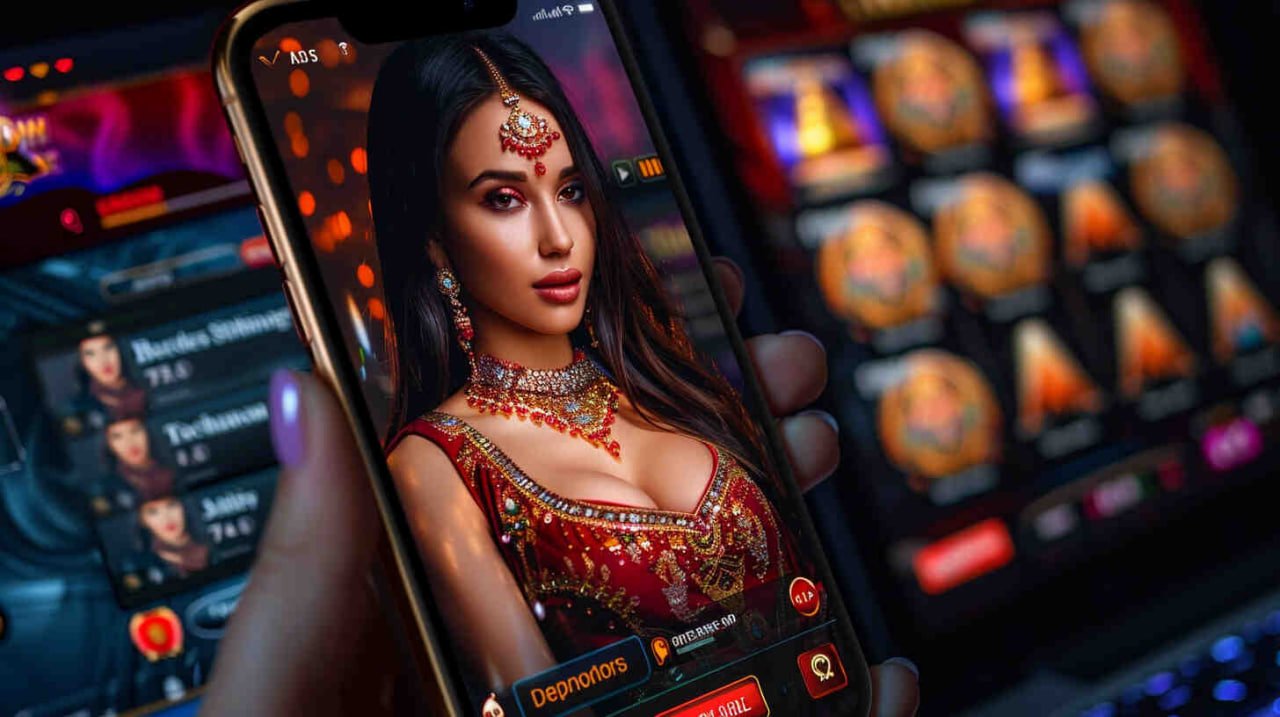
The z7 com app brings the full platform straight to your phone. Android, iOS or browser — install in minutes and start playing with PKR via JazzCash or Easypaisa. No desktop required.
z7 com is available on Android, iOS and as a mobile browser experience — all fully featured.
Installing the z7 com APK on your Android phone takes about two minutes. The only extra step compared to a Play Store install is allowing your browser to install apps from unknown sources — which is a standard Android setting and takes a few seconds to toggle. Here is the full walkthrough.
On your Android phone, open Chrome or any browser and navigate to z7 com. Go to the Download section and tap the Android download button. The APK file will start downloading immediately.
Once the download completes, Android will ask whether you want to allow your browser to install apps. Tap "Allow" or go to Settings → Security → Install Unknown Apps and enable it for your browser. This is a one-time setting.
Open your notifications panel and tap the downloaded z7 com APK file. The Android installer will open. Tap Install and wait a few seconds for the process to complete.
Once installed, the z7 com icon appears on your home screen. Open it, log in with your existing account or register a new one. Your PKR wallet balance carries over from the browser version automatically.
Head to the wallet section, top up using JazzCash or Easypaisa, and you are ready. The full games library — fish games, slots, sports betting — is available immediately from the app home screen.

iPhone and iPad users can access the full z7 com platform either through the dedicated iOS app download or by adding the site to their home screen for a near-native experience. Both approaches give you the same full game library and PKR wallet access. Here is how each option works.
On your iPhone or iPad, open Safari and go to the z7 com Download page. Using Safari is important — the home screen shortcut feature is not available in third-party iOS browsers.
Tap the iOS download button on this page. If prompted by iOS to trust the source, go to Settings → General → VPN & Device Management and tap Trust. This is the standard iOS process for apps distributed outside the App Store.
Prefer not to install an app? Tap the Share icon in Safari's toolbar, scroll down and tap "Add to Home Screen." Name it z7 com and tap Add. The icon appears on your home screen and launches in full-screen mode like a native app.
Open the app from your home screen. Create a new z7 com account using your Pakistani mobile number, or log in to your existing account. All your wallet balance and game history syncs instantly.
Deposit PKR using JazzCash, Easypaisa, Raast or your bank. Browse fish games, slots or place a cricket bet on the PSL or any international T20. Withdrawals back to your mobile wallet process in minutes.
The z7 com app is not a stripped-down version of the website. Every feature available on desktop is present in the app, and several elements are specifically tuned for mobile use in Pakistan — from JazzCash one-tap deposits to cricket live score widgets during betting sessions.
| Feature | App | Browser |
|---|---|---|
| Load Speed | Faster | Standard |
| Push Notifications | Yes | Limited |
| Biometric Login | Yes | No |
| Offline Cache | Partial | No |
| Full Game Library | Yes | Yes |
| PKR Wallet | Yes | Yes |
One of the common questions we hear from players across Pakistan is whether z7 com will run smoothly on an older or budget-range Android device. The short answer is yes — the app has been optimised to perform well on a wide range of hardware, not just high-end flagship phones.
Most Pakistani players use mid-range Android handsets. The z7 com app has been tested on devices running as little as 2 GB RAM and performs acceptably for the majority of games. Fish shooting games and slots are the least demanding categories. Live casino streaming requires a more stable connection but is not particularly hardware-intensive. Sports betting pages are the lightest of all — they load and respond quickly even on older phones with slower processors.
| Spec | Minimum | Recommended |
|---|---|---|
| Android Version | 6.0 (Marshmallow) | 10.0 or above |
| iOS Version | 12.0 | 15.0 or above |
| RAM | 2 GB | 4 GB or more |
| Storage Free | 100 MB | 500 MB or more |
| Internet | 3G | 4G / WiFi |
After downloading z7 com, your first step is funding your wallet. Every major Pakistani payment method is supported.
The most popular option among z7 com players in Pakistan. Instant deposits and withdrawals in PKR, directly to and from your JazzCash mobile wallet.
Fast and reliable. Easypaisa deposits reflect in your z7 com wallet almost instantly. Withdrawals are processed within minutes during normal hours.
Prefer bank-to-bank transfers? Raast and standard bank transfers are fully supported. Same-day processing for most transactions.
Debit and credit cards are accepted for players who prefer card-based top-ups. Secure processing with no extra charges on standard deposits.
The most common questions we hear about downloading and installing z7 com.
The z7 com app is an entertainment platform. Downloading the app and having it on your phone makes it easier to play — which also means it is easier to play more than you planned. Set a clear PKR budget before each session and stick to it. Use the session time limits in the app settings to remind yourself when to stop. Gaming should be something you enjoy within your means, not a way to chase losses or generate income. z7 com is strictly for adults aged 18 and above. If you feel gaming is affecting your daily routine, finances or relationships, take a break and speak to someone you trust.
Create your account in minutes, deposit PKR via JazzCash or Easypaisa, and enjoy fish games, slots and cricket betting on any device across Pakistan.